
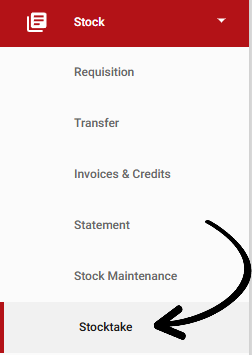
From your Corporate outlet's navigation bar, expand the Stock heading and open the Stocktake page:
Select the Stocktake Templates tab on the Right side: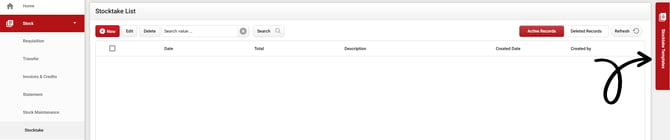
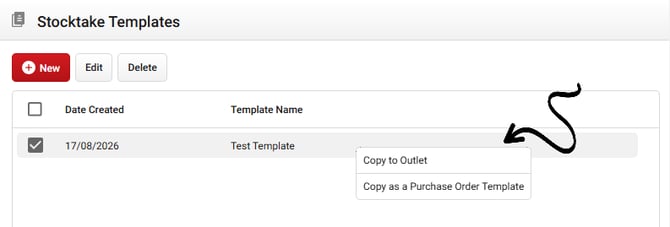
Right-click the template you want to copy, then select Copy to Outlet:
 You will be provided with the option to change the name of the template: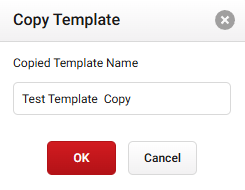
Your Outlet Map will then be displayed. Tick the Outlet(s) you wish to copy the stocktake templates to:
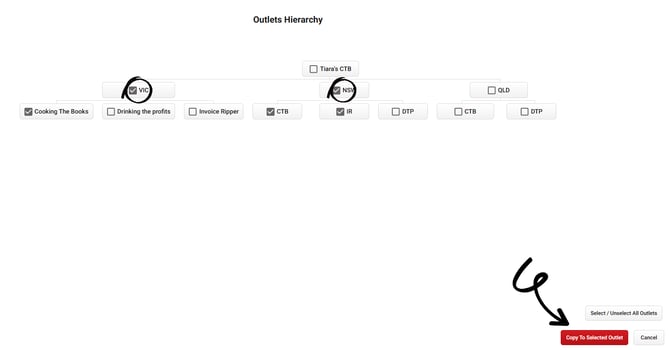
Once you have selected Copy to Selected Outlet, your all done!