



How to Log In to Cooking the Books
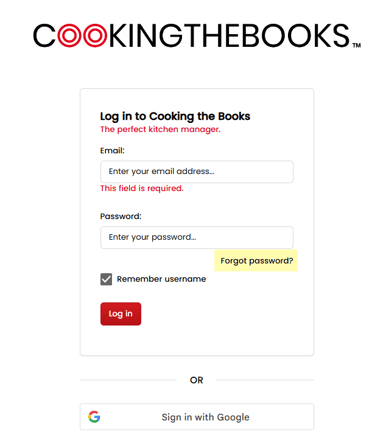
- Go to the Cooking the Books Login Page.
- Enter the email address associated with your account.
- Enter your password and click Log In.
💡 Logging in with Google?
If you use Google Single Sign-On, simply click Sign in with Google on the login page or check our Google Login Help Guide for step-by-step instructions.
Forgot Your Password?
- Head to the Login Page.
- Click Forgot Password? located below the password field.
- Enter your email address and follow the prompts to reset your password.
Still unable to log in?
Our support team is here to help!
- Email: support@ctbandco.com
- Phone: 1300 911 282