Last Updated: 29 September 2020
Opting to sign in using your Google Account will allow you to log in using your Google credentials, saving the need to enter your Email and Password directly.
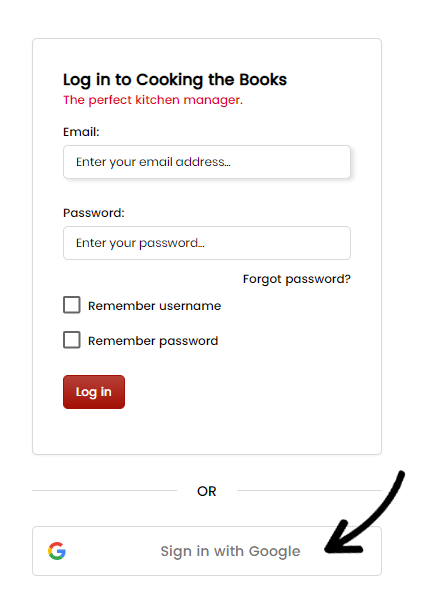
Conveniently and securely access your account by selecting the Sign in with Google option on the login page:
Here's how to log in to Cooking the Books:
- Go to the Cooking the Books login page on your device.
- Click or tap on the Sign in with Google button.
- Enter your Google account details if prompted, and follow the on-screen instructions.
- Once verified, you'll be logged into Cooking the Books without entering your email and password directly .